Google Meets will be announced in the stream tab of Google Classroom – please check this area daily in case any new meets appear. When you click on the link it will be direct you to the appropriate meeting. Please ensure that the microphone is turned off before joining. You should then click on ask to join, you will then have to wait until the class teacher is ready to let you into the meeting. When the meeting has ended please leave the meeting as the teacher can not leave until all students have left.
How do we access Google Meet?

Google Apps
Recent Posts
What a glorious day for our annual inflatables fun day! ☀️ 😃
All Souls in Coventry are joining in song with @danonelifemusic while staying cool in the heat 🎶😎
Year 1 and Year 5 have had a wonderful morning learning all about Hinduism for our next RE unit! Thank you to S.D Hindu Temple for teaching us so much and for being so welcoming.
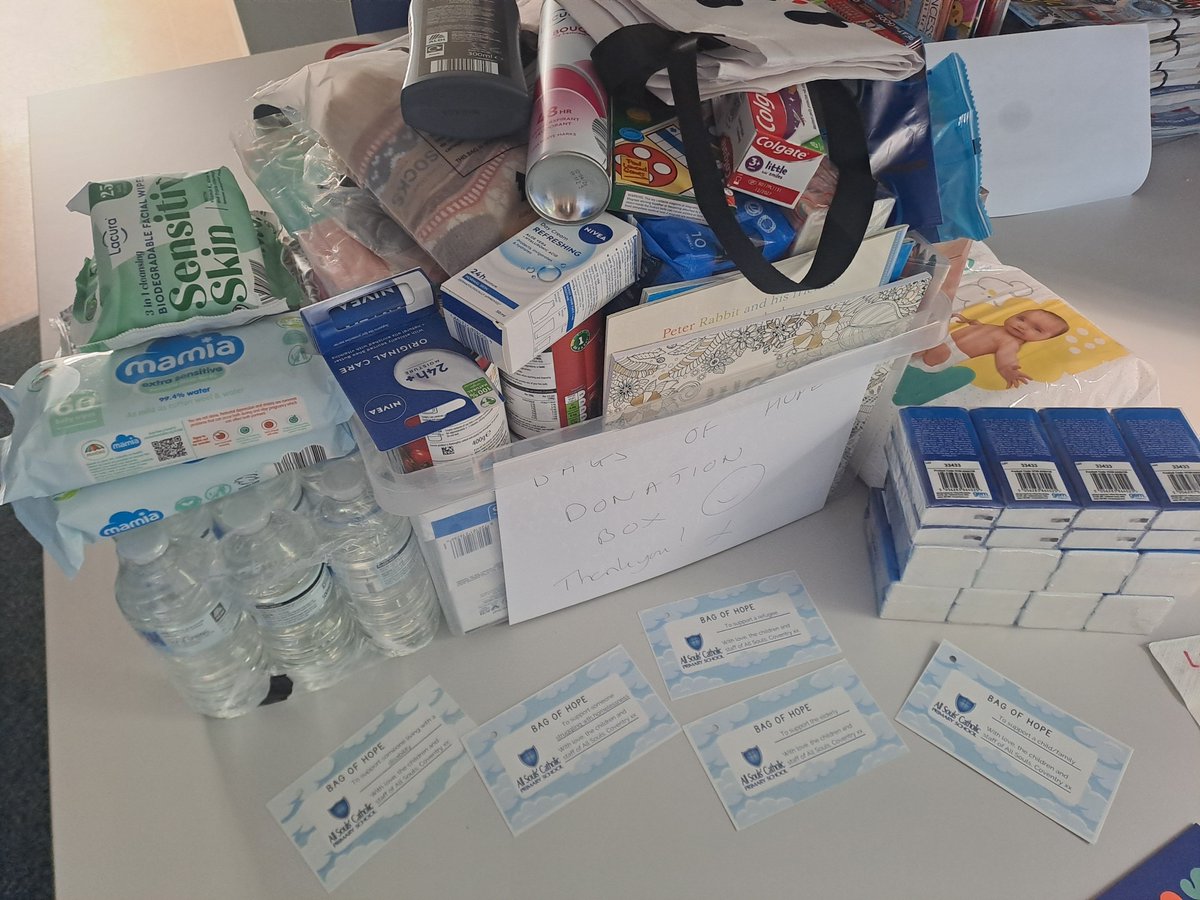
Our community has come together to donate for the Bags of Hope call from our diocese @BhamDES . In just 2 days we have 5 different bags ready to go 🙏🏻 #team Allsouls #giving #cst
Year 5 have been enjoying getting #WorldCup ready with a live writing lesson delivered by @HelpPicture and @HeyPobble They have written some fantastic suspense narratives about a penalty shoot-out! Well done Year 5!
Best of luck to our wonderful Year 6 children ✨️ Just a reminder that we will be running breakfast for Y6 from 8am Monday to Thursday, we look forwards to seeing you all there ❤️
LEGO club have arrived safely in Birmingham!
Sky Blues Celebration Day! @SBitC_CCFC
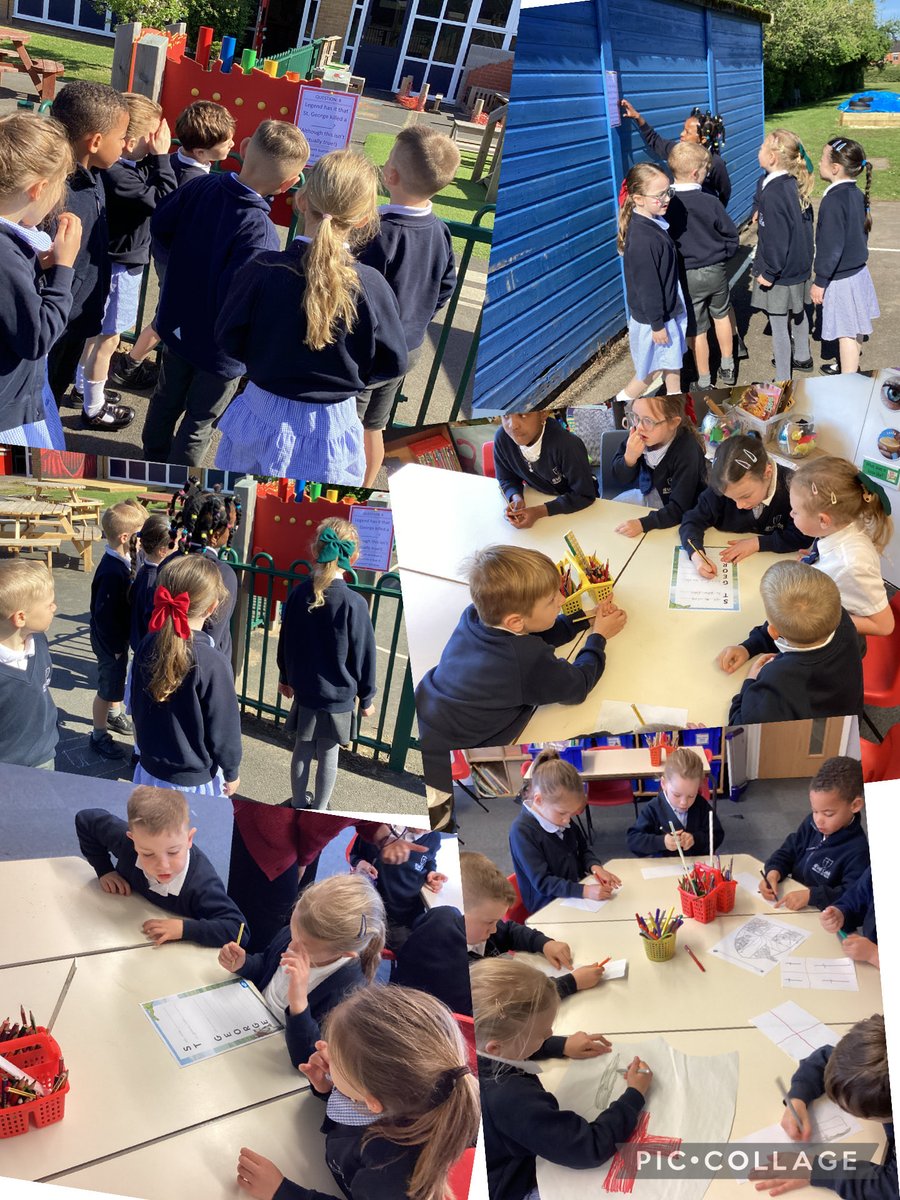
Happy St George’s Day! Fun times - dragon dodgeball, shield designs, scavenger hunt and acrostic poems 🐉 🏴 🛡️ Well done Nazareth #stgeorgesday2026 #hootsandtreats


Google Classroom
My Mail