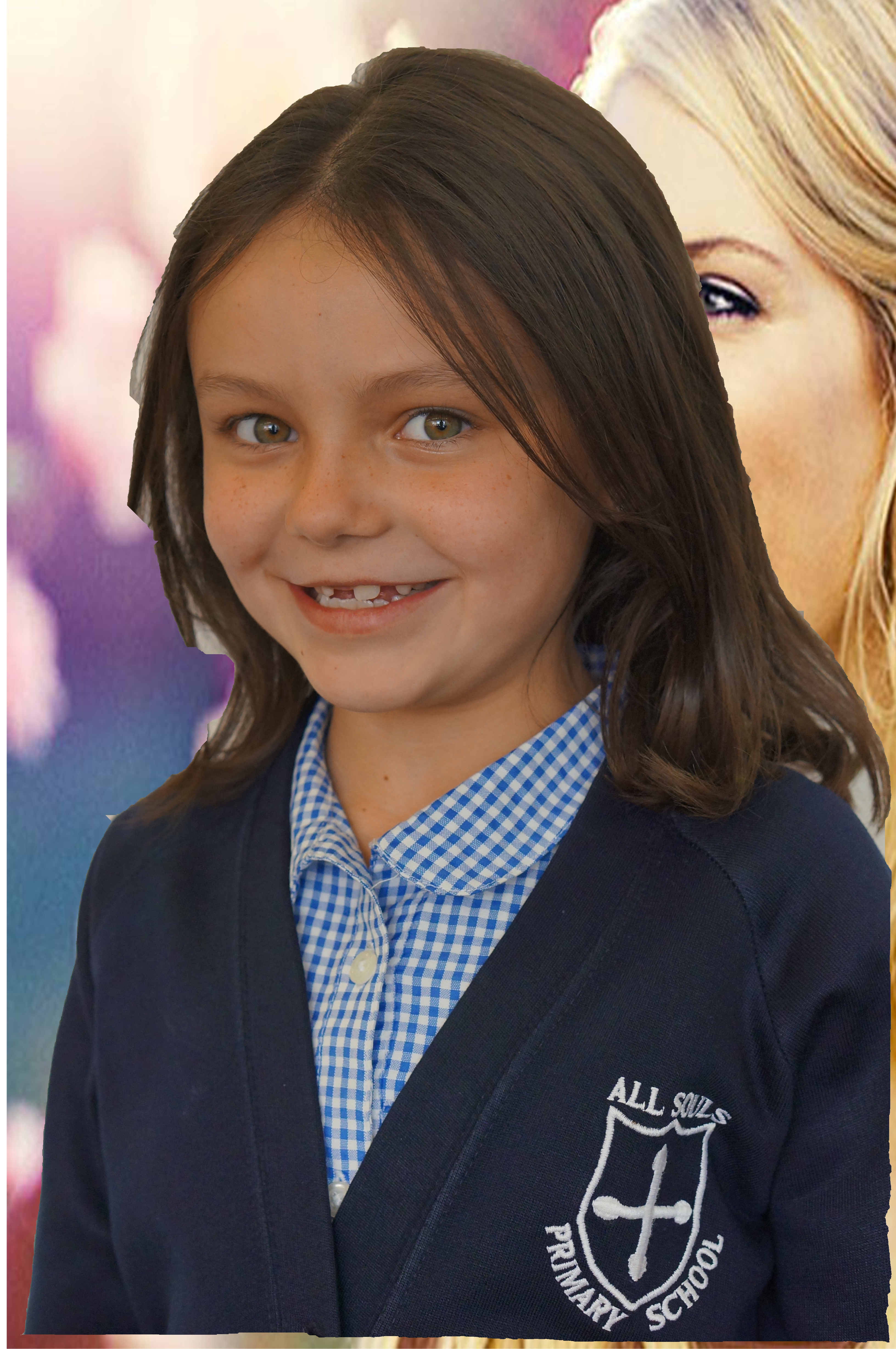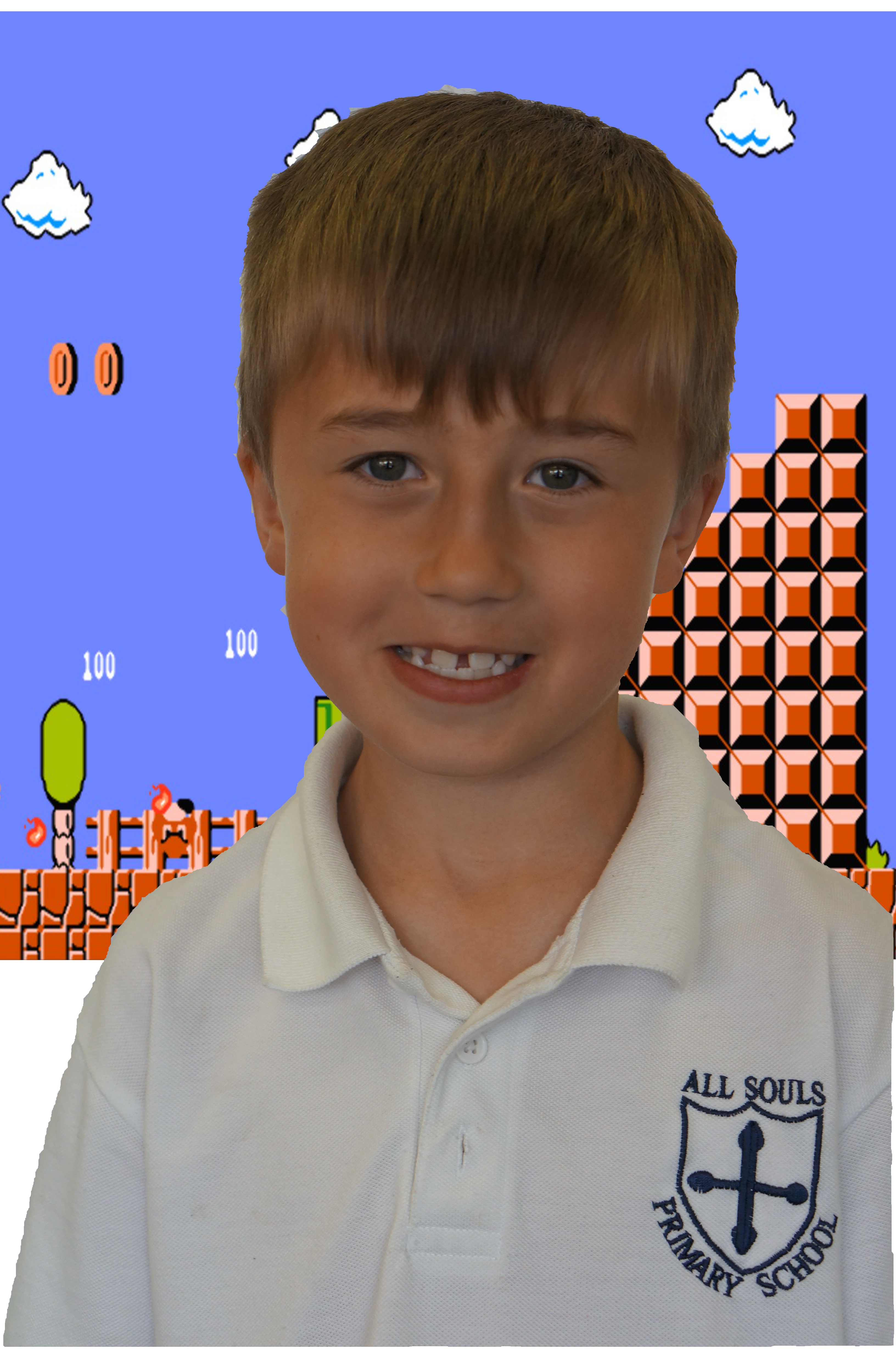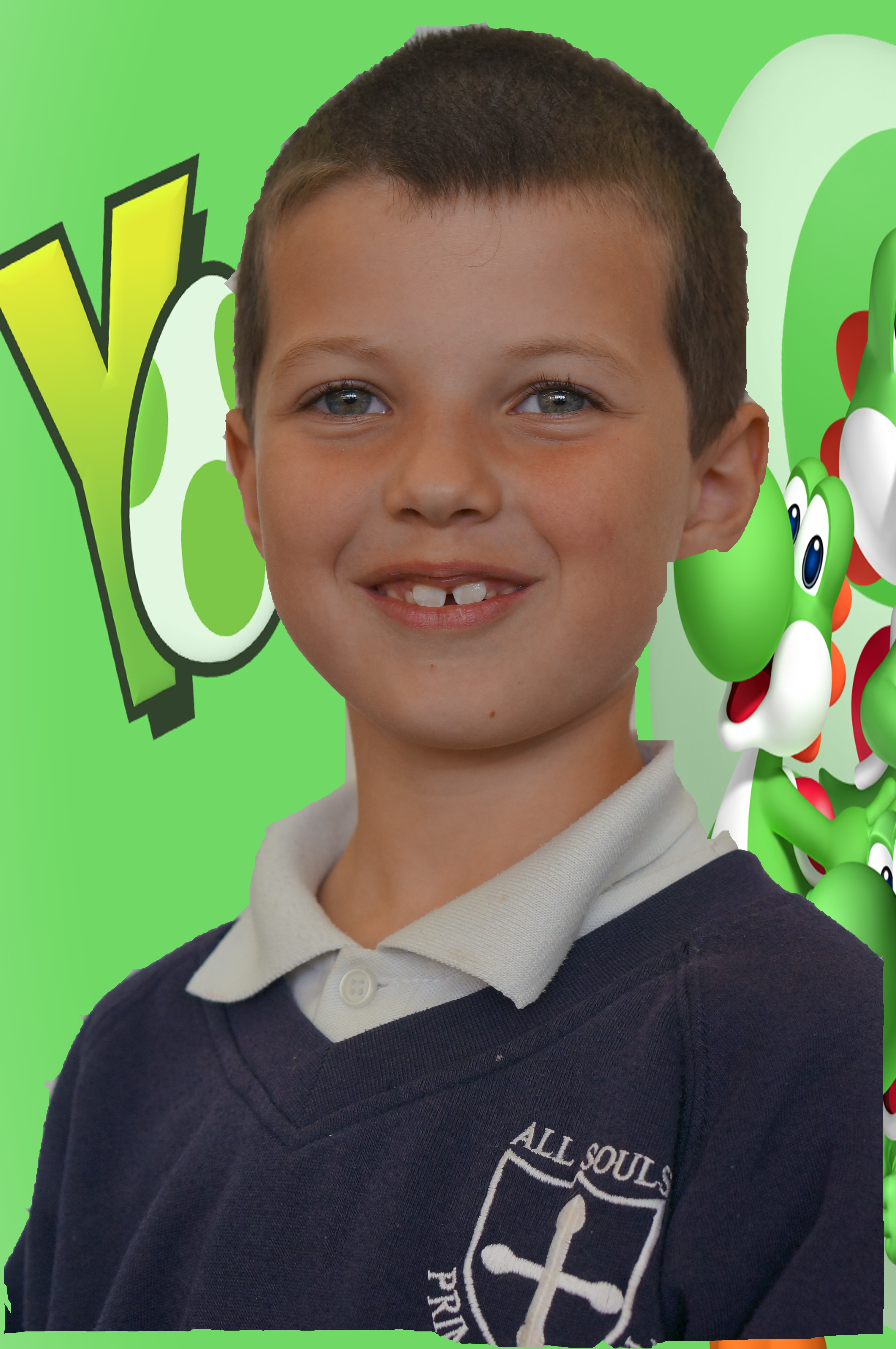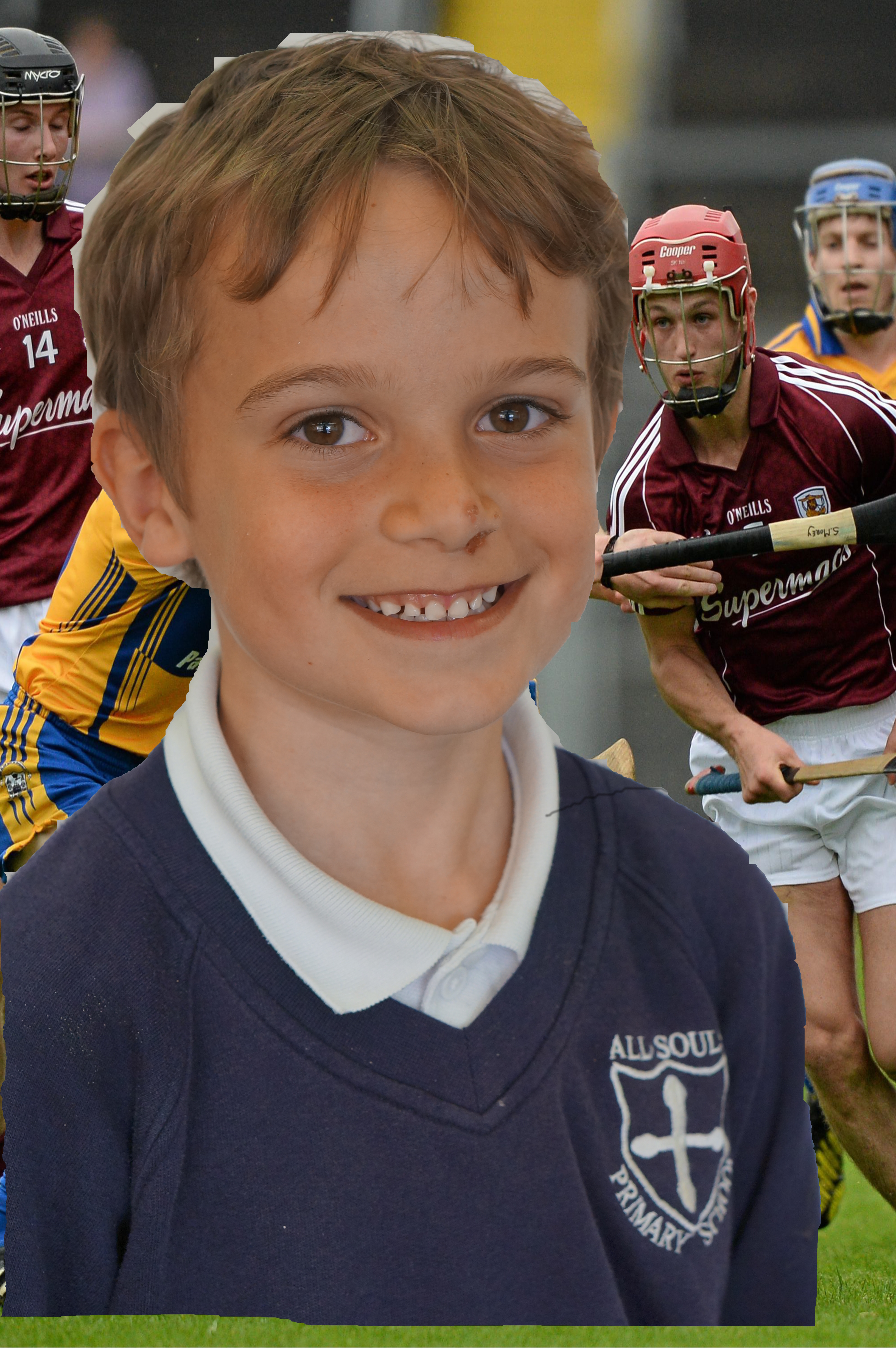
Year 3 continued to use Gimp (a free photo editing software) this morning to edit photos of themselves. They first removed the background using the magic scissors tool, they then had to find and save a picture they wanted to use from the internet. Finally they inserted the picture and corrected the size using the scale tool. Below are a few examples of what they created.